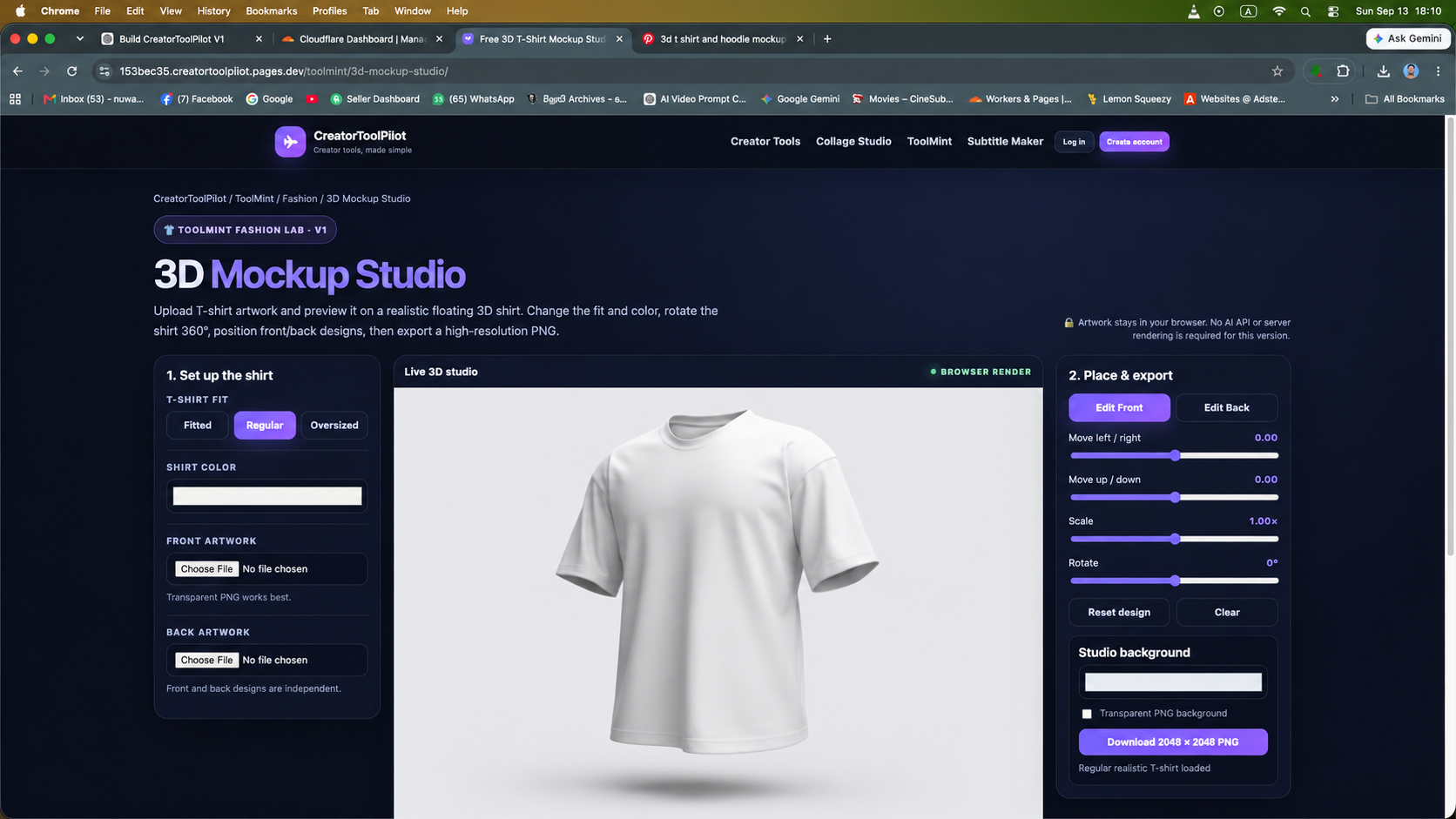
Upload front artwork and preview it on a realistic floating 3D T-shirt. Change the shirt color, position your design, rotate the shirt 360°, then export a high-resolution PNG.
🔒 Artwork stays in your browser. No AI API or server rendering is required for this version.
Live 3D studioBROWSER RENDER
Loading realistic garment model…
3D model could not loadReload this preview and check your internet connection.
Drag to rotate · Scroll/pinch to zoom
V1 foundation: 3D Mockup Studio starts with one realistic regular T-shirt and front-artwork placement only. Back printing, more garment fits and body-fit previews can be added in later versions.
How to use 3D Mockup Studio
Choose the fabric color for the regular T-shirt.
Upload transparent PNG/JPG artwork for the front of the shirt.
Move, scale and rotate the design while checking it from different angles.
Export the current camera view as a 2048 × 2048 PNG.
Built for fashion mockups
This first version keeps the focus on one realistic regular garment model: rotate the floating shirt, position front artwork, change the fabric color, and export store-ready images. All artwork processing and rendering happens locally in the browser.
 3D model could not load